Command Line
Every ribbon action is a command with an id. rustgis-cli runs them headlessly.
rustgis-cli commands                  # every command id with its parameters
rustgis-cli tools                     # geoprocessing tools
rustgis-cli info data.geojson         # layer summary as JSON
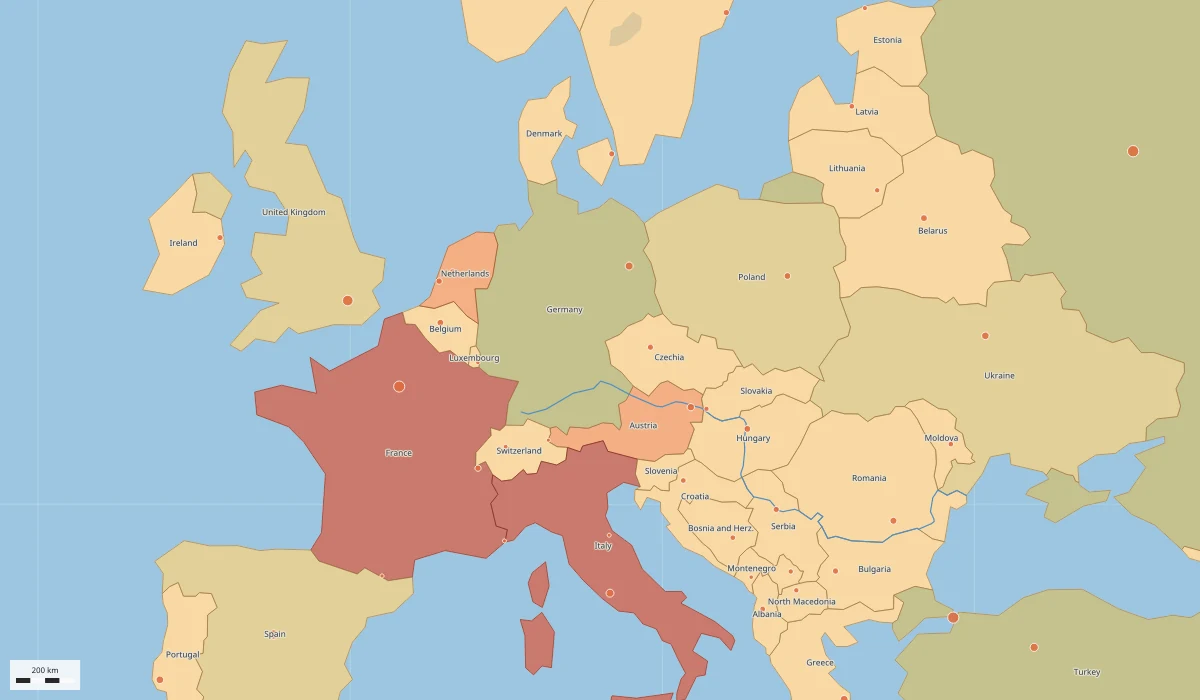
rustgis-cli render data.geojson map.png --basemap ocean --width 1600 --height 900
rustgis-cli parity                    # ribbon feature coverage
rustgis-cli logo icon.png --size 256  # the app icon as a PNG
Chaining commands
run loads data or a project, runs --cmd 'id={json params}' in order, and can save the
result:
rustgis-cli run --sample \
  --cmd 'gp.run={"tool":"countPoints","params":{"polygons":"Countries","points":"Cities"}}' \
  --cmd 'layer.symbology={"layer":"Countries_Summarize","type":"graduated","field":"point_count"}' \
  --cmd 'bookmark.go={"name":"Europe"}' \
  --cmd 'share.exportMap={"path":"europe.png","dpi":192}' \
  --save atlas.rgisx
Rasters work the same way:
rustgis-cli render dem.tif dem.png
rustgis-cli run --data dem.tif \
  --cmd 'raster.symbology={"type":"shadedRelief","ramp":"Terrain","zFactor":1.5}' \
  --cmd 'raster.info={}' \
  --cmd 'share.exportMap={"path":"relief.png","dpi":192}'